The capacity argument
Markdown is the right format for LLM output — chat interfaces render it well, and it makes long responses readable. It is also fine as input for one-off prompts, longer documents, or cases where you're not running at scale. This article is not an argument against Markdown in general.
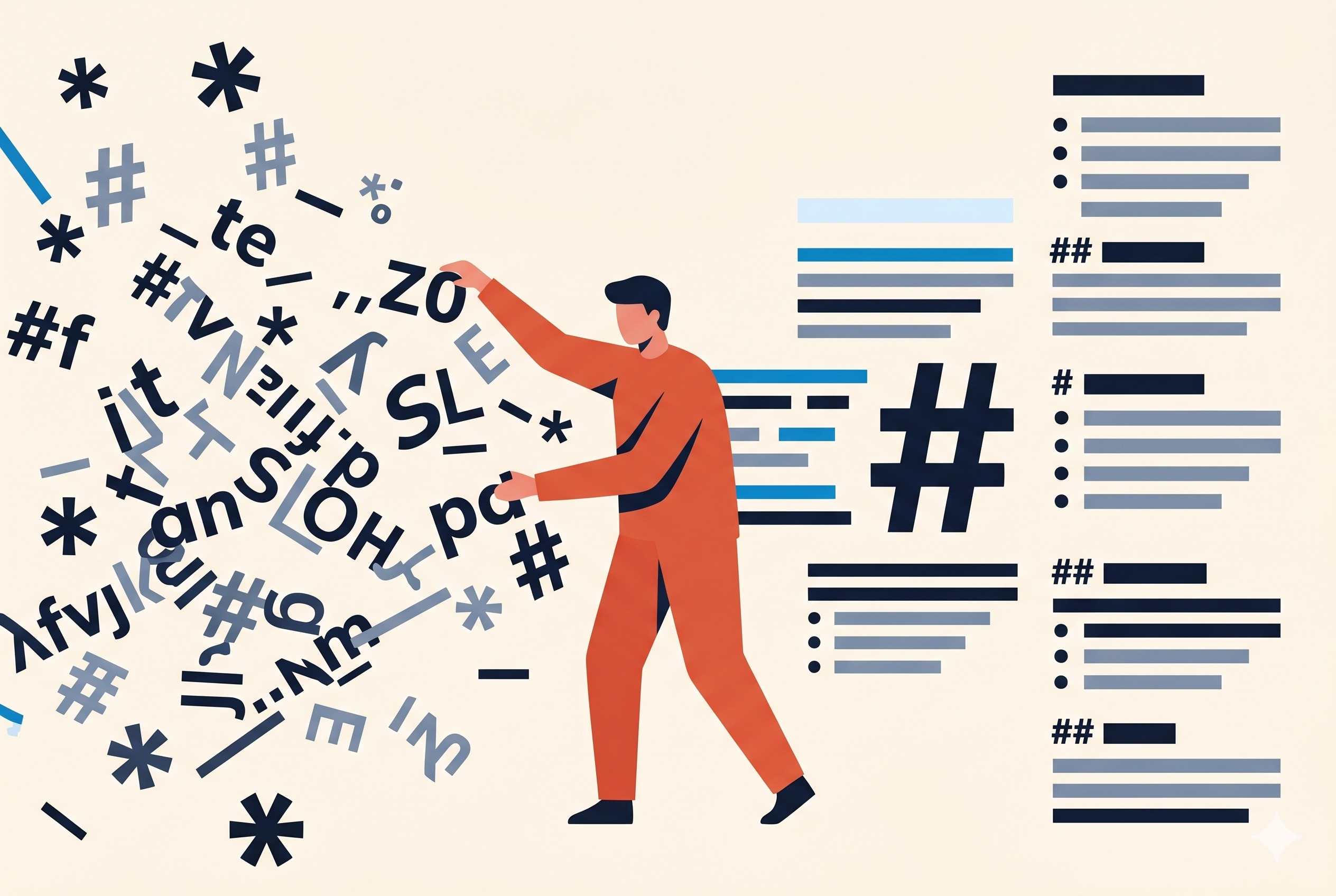
System prompts are a specific, different case. They run on every request — every user message, every API call, every background task your application triggers. Token overhead that is negligible in a one-off prompt becomes significant when multiplied across thousands of calls. More importantly: a system prompt has a job to do. It needs to convey role, constraints, tone, output format, edge cases, and examples. Every token spent on ## or ** is a token that cannot hold the word "always" or "never" or "if the user says X, do Y instead."
Markdown syntax characters carry no information in this context. The model doesn't need ## to know something is a heading — it can read that from ALL CAPS or Title Case just as well, because those patterns are deeply embedded in its training data. A typical system prompt written in Markdown carries 15–25% syntax overhead that could instead be instructions.
Here's what common Markdown constructs cost versus their plain-text equivalents:
Each individual saving looks small. Across a 1 500-token system prompt with 8 headings, 25 bold terms, and assorted syntax, the total overhead is typically 80–200 characters — that's 20–50 tokens per request, multiplied by every single API call your application makes.
A real system prompt, before and after
The same instructions, the same structure, the same meaning — expressed first with Markdown and then in plain text formatted (AI-ready):
## Role
You are a support assistant for a
B2B SaaS product.

## Behaviour
- Always respond in the user's language
- **Never** speculate about pricing
- Keep replies under 120 words

## Output format
Use **bullet points** for lists.
Start every reply with a one-sentence
*summary* of the issue.

### Escalation
If the user mentions *legal* or
*cancellation*, end the reply with:
> Escalate: [topic]
ROLE
You are a support assistant for a
B2B SaaS product.

BEHAVIOUR
- Always respond in the user's language
- *Never* speculate about pricing
- Keep replies under 120 words

OUTPUT FORMAT
Use bullet points for lists.
Start every reply with a one-sentence
/summary/ of the issue.

  Escalation
If the user mentions /legal/ or
/cancellation/, end the reply with:
Escalate: [topic]
The model understands both versions identically. The second version uses roughly 17% fewer tokens — which means 17% more room for actual instructions: another constraint, another example, another edge case handled. That's the real benefit. The cost saving is just a side effect.
Token counts above are estimates using a GPT-4 / Claude-class tokenizer. Exact savings depend on your model, prompt length, and how heavily formatted the original is. The general direction holds across all major tokenizers.
Why the model understands it anyway
Large language models were trained on enormous amounts of text that predate Markdown — books, articles, manuals, Usenet posts, and plain-text email from the 1980s and 1990s. These sources are full of structural conventions that have nothing to do with Markdown:
- ALL CAPS titles signal section headings in typewritten documents, legal texts, and RFC standards.
- Indented subsections appear throughout technical writing and structured correspondence.
- *Asterisk-delimited terms* for emphasis were standard on Usenet and early internet forums decades before Markdown formalized them.
- Dash-prefixed bullet items are natural in plain-text writing and require no parser to interpret.
These patterns are deeply embedded in the model's weights. You do not need # characters to make a model understand that something is a heading. You do not need ** to signal emphasis. The semantic intent is legible from the text conventions themselves.
The key insight: Markdown was designed for humans writing for humans — to make plain text more readable before rendering. When you write for an LLM, there is no rendering step. The raw characters are what the model sees. You want those characters to carry signal, not syntax overhead.
The conventions
Plain text formatted (AI-ready) uses a fixed, minimal set of conventions. The goal is predictability: one document element always maps to one text representation, so the model never has to resolve ambiguity.
| Element | Markdown | Plain text formatted | Rationale |
|---|---|---|---|
| Heading 1 | # Title |
TITLE |
ALL CAPS is the oldest, most universal heading convention in plain text. |
| Heading 2 | ## Section |
Section Name |
Title Case on its own line. Blank line before and after creates visual separation without extra characters. |
| Heading 3 | ### Sub |
Sub Name |
2-space indent expresses nesting without any prefix character. |
| Heading 4 | #### Deep |
Deep Name |
4-space indent. Deeper nesting than this is usually a signal to flatten the structure. |
| Bold / strong | **word** |
*word* |
Single asterisks cost half the characters of double. Meaning is identical to a trained model. |
| Italic / emphasis | *word* or _word_ |
/word/ |
Forward slashes avoid the collision between *italic* and *bullet in Markdown. |
| Bullet list item | - item |
- item |
Unchanged. This is the most natural plain-text convention and costs nothing to keep. |
| Bullet list item | - item |
- item |
Unchanged. Already the leanest possible convention. |
| Numbered list item | 1. item |
1. item |
Unchanged. |
| Inline code | `code` |
`code` |
Unchanged. Backtick is the universal code delimiter and carries no overhead. |
| Code block | ```lang |
```lang |
Unchanged. Fenced blocks are necessary for multi-line code and should be kept as-is. |
| Separator | --- |
--- |
Unchanged. |
| Link | [text](url) |
text |
URL dropped. If the URL matters, keep it as bare text: text (https://...) |
| Blockquote | > text |
text (indented or labeled) |
The > prefix has no semantic value to a model. Indent or use a label instead. |
| Image |  |
(removed) | Images have no representation in plain text. If the image matters, describe it in prose. |
| Table | | col | col | |
Tab-separated (TSV) | Special case — see below. Most prompt tables are better expressed as bullet lists. When a real table is needed, tab-separated is the leanest option. |
Tables: a special case
Tables rarely belong in a prompt. Most things that look like tables are either a list of items (use bullet points) or a comparison with two or three properties (express in prose). Before using a table, ask whether the information could be flatter.
When a table genuinely can't be avoided — a lookup matrix, a dataset sample, a structured mapping — use tab-separated values (TSV). It is the leanest format that still preserves column alignment in a way LLMs reliably parse. A Markdown pipe table adds one | per cell boundary plus a full separator row; TSV adds one \t per column.
| Country | Code | Timezone |
|---------|------|----------|
| Sweden  | SE   | UTC+1    |
| Germany | DE   | UTC+1    |
| Japan   | JP   | UTC+9    |
Country	Code	Timezone
Sweden	SE	UTC+1
Germany	DE	UTC+1
Japan	JP	UTC+9
The header row in TSV is plain text, Title Case, tab-separated — no special characters needed. The model distinguishes the header from data rows by position, exactly as it would in a pipe table.
Where it breaks down
Plain text formatted (AI-ready) has a practical hierarchy ceiling. The conventions run out of clearly distinguishable levels at around H4:
- H1 → ALL CAPS — visually dominant, unambiguous
- H2 → Title Case, blank line around it — clearly a section
- H3 → 2-space indent, Title Case — readable as a subsection
- H4 → 4-space indent, Title Case — usable, but starts getting subtle
- H5 / H6 → at this depth, plain text conventions become genuinely ambiguous
Markdown doesn't have this problem — ## through ###### are all unambiguous to a parser. For long technical documents with deep hierarchies, Markdown is the right tool.
But this limitation almost never matters in practice for the primary use case: system prompts. A well-written system prompt rarely needs more than two or three heading levels. If you find yourself needing H5 in a system prompt, the prompt is probably doing too much. The hierarchy ceiling is a real constraint — it just rarely bites where the format is most useful.
Rule of thumb: If your document needs more than three heading levels, use Markdown. If it's a system prompt or a structured context block going into an LLM, plain text formatted almost certainly has enough levels — and fewer tokens.
When to use this — and when not to
This format is specifically designed for text that goes into an LLM — prompts, system instructions, context documents. It is not the right choice for everything.
Use plain text formatted (AI-ready)
- System prompts in production applications
- Long user prompts with structure (instructions, context, examples)
- Documents pasted into a chat interface
- RAG / retrieval chunks fed to a model
- Any prompt where you pay per input token
Stick with Markdown
- Model output — Markdown renders beautifully in chat UIs
- Documentation, READMEs, wikis
- Knowledge bases you control end-to-end
- Content going to a Markdown-rendering surface
- Short prompts where the overhead is trivial
What about XML tags? Anthropic recommends XML tags (e.g. <context>...</context>) for sectioning Claude system prompts — and for good reason: tags create unambiguous boundaries that survive any input format. Plain text formatted (AI-ready) and XML tags are not mutually exclusive. You can use XML tags for outer structure and plain text conventions for the content inside each tag.
The gap nobody has named yet
Searching for guidance on this specific topic — what format to use in your prompts to reduce token cost while preserving semantic structure — returns almost nothing. The discourse on Markdown and LLMs almost entirely concerns two other questions:
- Should model output be in Markdown? (Usually yes, if the UI renders it.)
- Should knowledge base documents be converted to Markdown before indexing? (Usually yes, relative to HTML.)
The question of what format to use for the prompt itself — the instruction text — has gone largely undiscussed. Most prompt engineering guides simply use Markdown by default, because it reads well in documentation and GitHub READMEs where those guides are published. That habit has transferred into production system prompts without much scrutiny.
Plain text formatted (AI-ready) is an attempt to name this gap and fill it. It is not a new format — all the conventions existed before Markdown. It is simply the deliberate choice to use those conventions in prompts rather than Markdown syntax, and the argument that this choice is worth making.
Try it: promptcorrector converts Markdown, HTML, and rich text into plain text formatted (AI-ready) in one step. Paste your system prompt, select the output format, copy the result.