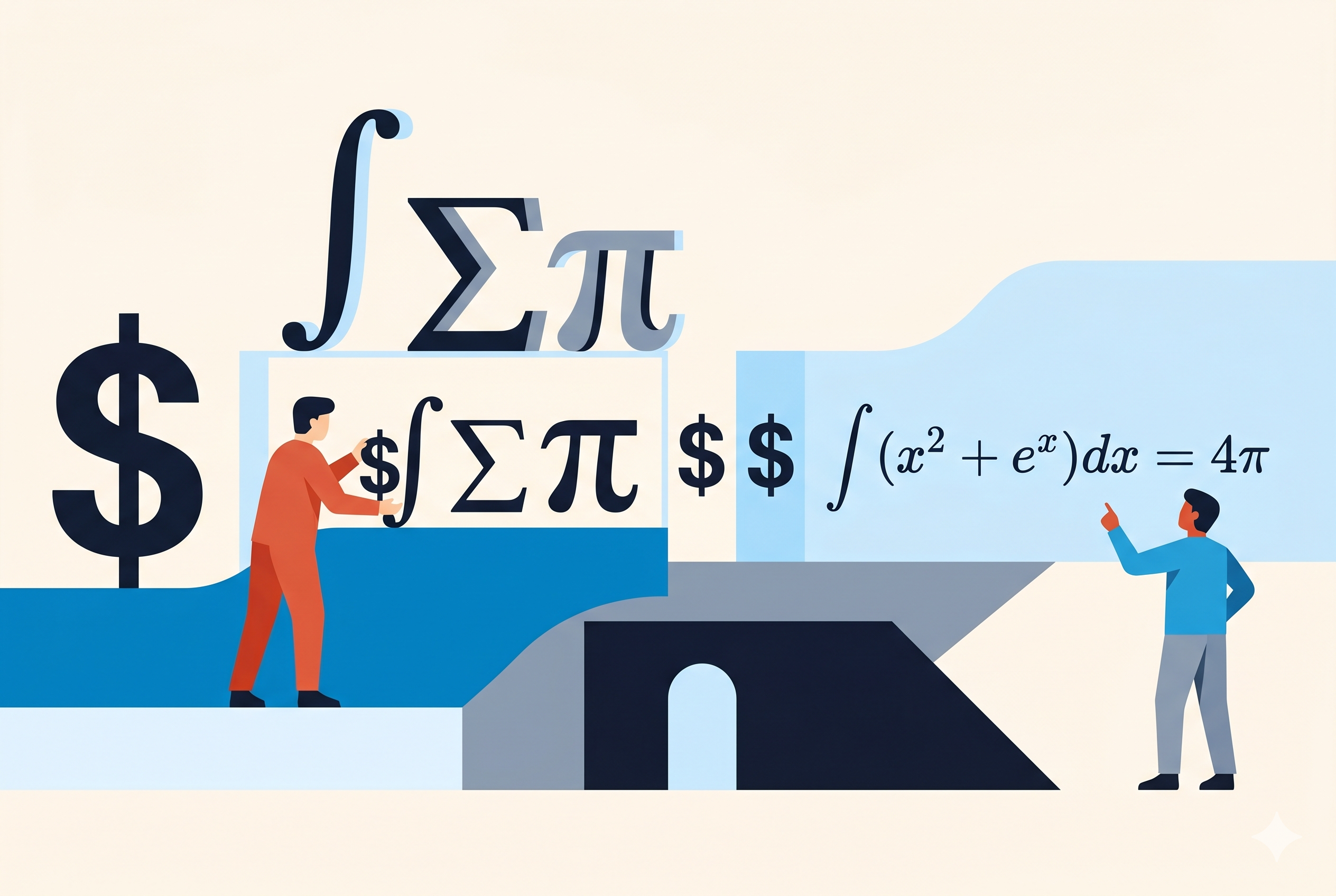
If you have ever opened a Jupyter notebook, a GitHub README for a machine learning project, or an academic paper written in plain text, you have probably seen expressions like $E = mc^2$ or blocks of text surrounded by double dollar signs. To a Markdown renderer that understands math, these become properly typeset equations. To a renderer that does not, they are just dollar signs and symbols on screen.
Understanding what is actually happening — and why it sometimes works and sometimes does not — requires knowing about three separate things: LaTeX, the dollar-sign convention, and the rendering engines that do the actual work.
What LaTeX is
LaTeX (pronounced lah-tech or lay-tech) is a document preparation system created by Leslie Lamport in 1984, built on top of Donald Knuth's TeX typesetting engine from 1978. It has been the standard format for scientific and mathematical publishing for decades. If you have read a paper in physics, mathematics, or computer science from a reputable journal, it was almost certainly written in LaTeX.
What matters here is not LaTeX the document system, but LaTeX the math notation language. This is a compact, text-based syntax for writing equations that has become the universal language for expressing mathematical formulas in plain text. You write commands like \frac for fractions, \sqrt for square roots, ^ for superscripts, and _ for subscripts. A rendering engine reads those commands and draws the corresponding symbols.
LaTeX math notation has been adopted far beyond LaTeX documents. It is understood by Wikipedia, Jupyter, GitHub, Notion, Obsidian, many academic platforms, and dozens of other tools — not because they run LaTeX, but because they implement the same notation using a JavaScript rendering engine in the browser.
AI assistants have joined this list. ChatGPT, Claude, Gemini, and Copilot all output LaTeX math notation when responding to questions that involve equations. The reason is the same as for Mermaid diagrams and Markdown headings: LaTeX math notation is plain text. It is text-based, structured, and present in enormous volumes of training data — academic papers, scientific documentation, Jupyter notebooks. Language models output it naturally, for exactly the same reason they output Markdown: the structure is in the characters, not in a rendering layer.
"TeX is intended for the creation of beautiful books — and especially for books that contain a lot of mathematics."
— Donald Knuth, The TeXbook, 1984The dollar-sign convention
In LaTeX documents, you signal that you are writing math by placing it inside dollar signs. A single dollar sign on each side gives you inline math — an equation that sits within a line of text. Double dollar signs on each side give you a display block — an equation that gets its own line, centered, and typically rendered at larger size.
This convention has been borrowed directly into Markdown:
The formula $E = mc^2$ describes
the energy-mass equivalence.
$$
\int_0^\infty e^{-x^2} dx = \frac{\sqrt{\pi}}{2}
$$
The rendered column above shows a simplified approximation — actual rendering by MathJax or KaTeX produces properly typeset mathematical notation with correct symbol shapes, sizing, and spacing, far beyond what HTML text can replicate.
Common LaTeX math syntax
You do not need to learn all of LaTeX to write equations in Markdown. Most technical writing uses a small subset of commands:
Superscript:    x^2         → x²
Subscript:      x_i         → xᵢ
Fraction:       \frac{a}{b} → a/b (properly stacked)
Square root:    \sqrt{x}    → √x
Greek letters:  \alpha, \beta, \gamma, \pi, \sigma
Sum:            \sum_{i=1}^{n}
Integral:       \int_0^\infty
Infinity:       \infty
Multiplication: \times or \cdot
Division:       \div
Not equal:      \neq
Approximately:  \approx
Anything more complex — matrices, aligned multi-line equations, chemical formulas — is also possible, but the commands get longer. The LaTeX math reference on Wikipedia or at the KaTeX supported functions page covers the full vocabulary.
The rendering engines: MathJax and KaTeX
A Markdown file is just text. The dollar signs and LaTeX commands are inert characters until something reads them and draws the equations. That something is a math rendering engine — a piece of software, typically running in a browser, that parses the LaTeX syntax and produces typeset output.
There are two dominant engines:
MathJax and KaTeX
- MathJax — mathjax.org The older and more comprehensive of the two. First released in 2009. Supports a very large subset of LaTeX math, including many advanced features. Runs as a JavaScript library that scans the page for math delimiters and renders them. It is slower than KaTeX because it does more work client-side, but handles more complex expressions. Used by Wikipedia, Jupyter (as one option), arXiv, and thousands of academic sites. Version 3 (2020) significantly improved performance. mathjax.org
- KaTeX — katex.org Created by Khan Academy in 2014 as a faster alternative to MathJax. Renders synchronously rather than asynchronously, which means pages do not "flash" as equations load in. Supports a slightly smaller set of LaTeX commands than MathJax, but covers everything most writers need. Used by GitHub, Obsidian, many static site generators, and tools that prioritise rendering speed. katex.org
For practical purposes, the difference between the two is invisible for everyday use. Both render standard equations correctly. If you use an obscure LaTeX feature that KaTeX does not support, MathJax may handle it where KaTeX fails — but this is rare in typical technical writing.
What matters more is whether the tool you are using has any engine configured at all. A Markdown renderer with no math engine will show raw source text. No dollar sign convention alone makes equations render — the engine has to be there.
Where it works
| Tool / Platform | Math support | Engine | Notes |
|---|---|---|---|
| Jupyter Notebook / JupyterLab | Yes | MathJax / KaTeX | The home territory. Inline and display math work out of the box. Used extensively in data science and scientific computing. |
| GitHub | Yes | MathJax | Added in May 2022. Works in README files, issues, pull requests, and wikis. Use $...$ for inline, $$...$$ for block. |
| Obsidian | Yes | MathJax | Built-in support, no plugin required. Standard dollar-sign syntax. |
| VS Code (with extensions) | Yes | KaTeX | The built-in Markdown preview does not render math. Extensions like Markdown All in One or Markdown Preview Enhanced add it. |
| Typora | Yes | MathJax | Inline rendering in the editor itself. Must be enabled in preferences. |
| Notion | Partial | KaTeX | Math blocks via /math command. Not triggered by dollar signs in flowing text — requires explicit block insertion. |
| GitLab | Yes | KaTeX | Supported in issues, merge requests, and wikis. Uses $`...`$ syntax for inline (backtick-wrapped) to avoid conflicts with currency symbols. |
| Hugo, Jekyll, Gatsby | Partial | Varies | No built-in math support in the static site generators themselves. Requires adding MathJax or KaTeX via a layout template or plugin. Common pattern in academic Hugo themes. |
| Pandoc | Yes | Native LaTeX / MathJax | The document conversion tool has first-class math support. Can output to HTML (with MathJax), PDF (via LaTeX), DOCX, and more. The closest thing to a universal math-in-Markdown solution. |
| showmarkdown | Yes | KaTeX | Renders inline and display math out of the box, alongside Mermaid diagrams and syntax highlighting. showmarkdown.com |
| Wikipedia | Yes | MathJax / PNG fallback | Uses a custom <math> tag syntax rather than dollar signs — not Markdown, but the LaTeX notation inside is the same. |
| Standard Markdown (Gruber original) | No | — | No math syntax defined. Dollar signs are just dollar signs. |
| CommonMark | No | — | Math is not in the CommonMark specification. Platforms that support it do so as an extension beyond the standard. |
| Email clients | No | — | Raw LaTeX source appears as text. No rendering. |
Where it breaks
The currency symbol problem
The dollar sign was a reasonable choice for a math delimiter in 1978, when Knuth designed TeX, because it was otherwise rare in scientific text. In ordinary writing about money, prices, or business, it appears constantly. This creates a genuine ambiguity: does $50 mean "fifty dollars" or "the start of a math expression"? Most modern implementations handle this with heuristics — a lone dollar sign followed by a number and no closing dollar sign is usually treated as a currency symbol — but the edge cases are real and occasionally cause stray dollar signs to trigger unwanted math rendering.
GitLab addressed this by using a different delimiter entirely: $`inline math`$, wrapping the expression in backticks to avoid any ambiguity with currency. This solves the problem but is incompatible with GitHub and most other tools.
No universal standard
Math support is not in CommonMark, the closest thing Markdown has to an official specification. Every platform that supports it has implemented its own extension, chosen its own engine, and in some cases defined its own delimiter. GitHub, GitLab, and Notion all do this slightly differently. A document with math that renders perfectly on GitHub may render differently on GitLab and fail entirely if pasted into a basic CMS.
Export and conversion
When you export a Markdown document with math to a format that does not natively support it — a Word document, a plain HTML page without a math engine loaded, a PDF generated without LaTeX — the equations either disappear or appear as raw source text. This is one of the areas where Pandoc earns its reputation: it is the only widely available tool that reliably converts math-in-Markdown to clean output across multiple formats.
Screen readers and accessibility
Typeset equations rendered by MathJax or KaTeX are often poorly accessible to screen readers. MathJax 3 added MathML output as a secondary channel, which helps, but accessibility in mathematical content remains an unsolved problem for the web at large, not just Markdown.
A practical guide for writers
If you write for GitHub or Jupyter
Use the standard dollar-sign syntax without hesitation. Both platforms have supported it reliably since 2022 (GitHub) and since the beginning of the project (Jupyter). Inline math goes between single dollar signs; display blocks go between double dollar signs on their own lines. This is the de facto standard for data science and scientific computing documentation.
If you write for multiple platforms
Test on each platform before relying on math rendering. The syntax is compatible enough that the same source usually works on both GitHub and Obsidian, but always verify before publishing. For platforms that do not support math, consider whether images of equations (PNG or SVG exports) are an acceptable fallback — they are less elegant but universally portable.
If you need reliable export to Word or PDF
Use Pandoc. It is the only tool that handles the full pipeline: Markdown source with LaTeX math in → clean Word document or PDF out, with equations properly typeset in both. The command is straightforward:
pandoc document.md --mathml -o output.docx
pandoc document.md --pdf-engine=xelatex -o output.pdf
For PDF output, you need a LaTeX distribution installed (TeX Live on Linux, MiKTeX on Windows). For Word output, the --mathml flag embeds math as MathML, which recent versions of Word can render.
If you are not writing math at all
If you write about prices, financial figures, or any domain where dollar signs appear naturally, be aware that math rendering is active in certain editors. A stray pair of dollar signs around a number — like $10 and $20 — can trigger unexpected rendering in tools that are looking for math delimiters. In Obsidian or Typora with math enabled, this will try to render 10 and as a LaTeX expression. Escaping the dollar sign with a backslash (\$) prevents this.
"Math support in Markdown is a solved problem in most of the places that need it — Jupyter, GitHub, Obsidian. Where it is not solved is in portability between those places, and in the absence of any standard."
— A practical observation, not a quoteThe bigger picture
Math in Markdown is a microcosm of Markdown's broader story. A practical need exists — scientists and engineers want to write equations in plain text alongside prose — and a working solution has emerged from convention rather than specification. The LaTeX math notation is fifty years old; the dollar-sign convention was inherited from TeX; the JavaScript rendering engines built the bridge to the browser. Nobody designed the whole system. It assembled itself from pieces that already existed, adopted by one platform at a time, and is now widespread enough to be a reasonable assumption in technical writing contexts.
AI has amplified this. When you ask an AI assistant a question that involves mathematics, it responds in LaTeX notation without being told to. The equations appear in your chat interface already rendered, because the interface has a math engine configured. But if you copy that response and paste it somewhere else — a Word document, an email, a plain HTML page — the same portability problem applies that affects all Markdown: the structure is in the source, and the source only renders if the destination knows what to do with it. Understanding the system makes the behaviour predictable rather than mysterious.
Like most of what makes Markdown useful, math notation works — but only if the tool at the other end is expecting it.
Further reading: KaTeX supported functions · MathJax TeX/LaTeX reference · GitHub — Writing mathematical expressions · Pandoc math documentation
Further reading: Mermaid diagrams — the format AI actually draws in · Syntax highlighting in Markdown · Jupyter notebooks and Markdown — AI-native by design